
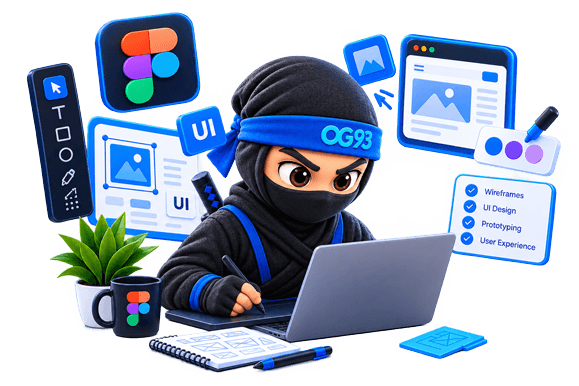
UX: the experience
User Experience is the journey: can visitors find what they need, understand what to do next and finish their task without frustration? It covers research, page structure, navigation and user flows.

UX/UI design makes your website or app easy, clear and a pleasure to use. I research your users, design the experience and test it, and I explain every step in plain language.
Short answer: UX/UI design is the art of making a website or app easy, clear and pleasant to use. UX is how it works and feels, UI is how it looks. Together they decide whether visitors find what they need, or leave confused after five seconds.
Longer answer: think of a shop. UX is the layout: signs that make sense, products where you expect them, a checkout that does not make you want to cry. UI is the decoration: colors, fonts, lighting, all the pretty bits. A beautiful shop where you cannot find the exit is still a bad shop.
I look after both. I study how your visitors think, sketch solutions, test them and polish the final look, so that your website does its job and people actually enjoy using it. (And yes, I will explain every acronym, promise.)
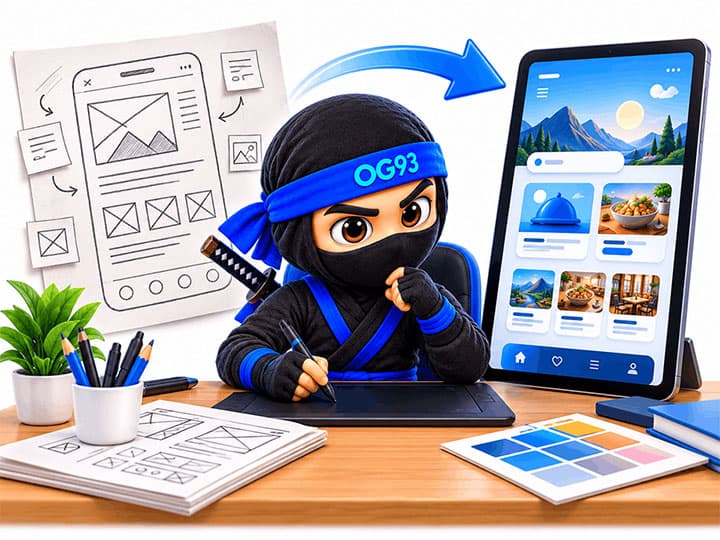
People mix them up all the time (no shame). Here is the quick version:
User Experience is the journey: can visitors find what they need, understand what to do next and finish their task without frustration? It covers research, page structure, navigation and user flows.
User Interface is what you see and touch: colors, typography, buttons, icons, spacing. It makes the product beautiful, consistent and recognizable as yours.
A pretty interface on a confusing journey fails. A clever journey in an ugly interface does not convince. Good design needs both, working as one.
If you recognize yourself in one of these situations, the answer is probably yes:
Designing before building saves time and money: it is far cheaper to fix a drawing than finished code.
Lots of traffic, few contacts or sales? Often the problem is not the button, it is the path to the button.
A fresh, coherent look builds trust in seconds. People judge a business by its website before reading a single word.
If users need a tutorial or keep contacting support, the interface is asking too much of them.
Design is not decoration, it is part of how your business works. Here is what changes:
Clear paths lead visitors to what you want them to do: call, book, buy, sign up. Fewer wrong turns, more results.
When things are easy, people feel smart and relaxed. That feeling sticks to your brand.
A clean, consistent design tells visitors you are serious and reliable, before they read a single word.
Testing ideas on paper and prototypes finds problems early, when fixing them is quick and cheap.
Readable text, good contrast and clear controls help everyone, including people with disabilities, older users and people on small screens.
Clear designs and a tidy style guide mean the build goes faster and the final result matches what you approved.
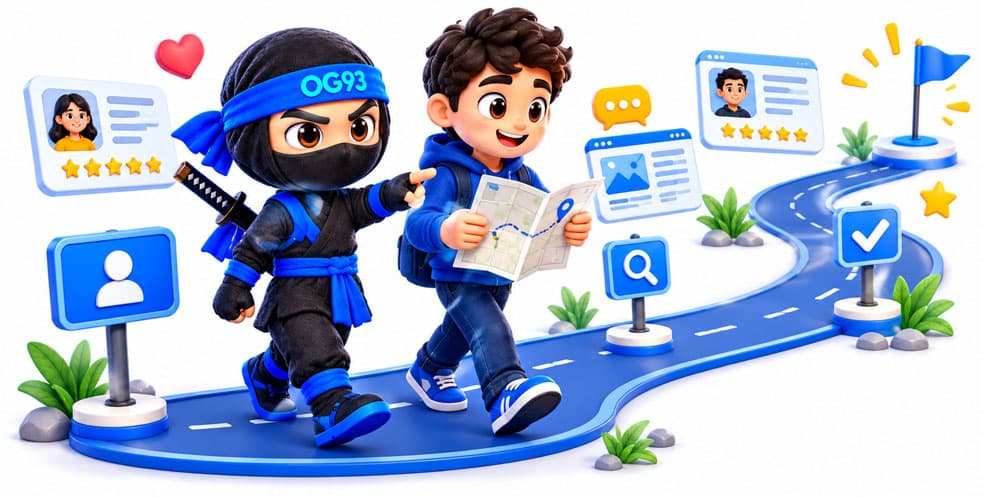
No black box. This is the path we follow, with you involved at every stage:
We talk about your goals, your audience and your competitors. I also look at your current site or app, if you have one, to spot what works and what frustrates people.
I try to understand real people: who they are, what they want and what stops them. Interviews, surveys and observation turn guesses into facts. This is where empathy maps and user personas come in.
I organize the content and sketch wireframes: simple black-and-white layouts that show where everything goes, without distracting colors.
Wireframes become real screens: colors, fonts, images and buttons that match your brand. I build clickable prototypes so you can try the product before it exists.
I put the prototype in front of real users, watch where they hesitate and fix it. It is humbling and extremely useful.
You receive clean, organized design files, and I can work with developers (or build it myself) so the final product matches the design.
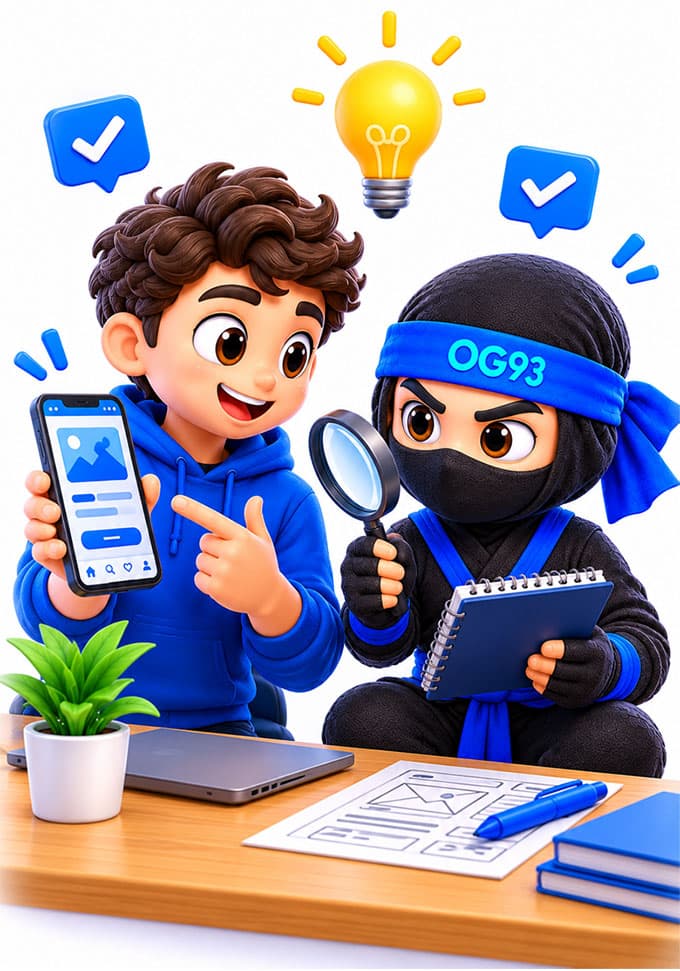
Designers love acronyms. Here is the decoder ring:
UX (user experience) is how a product works and feels: the journey, the structure, the ease of use. UI (user interface) is how it looks: colors, fonts, buttons and icons. You need both: a beautiful interface cannot rescue a confusing journey, and a smart journey needs a look that people trust.
Because visitors decide within seconds whether your site is clear and trustworthy. Good design helps them find what they need and take action (contact you, book, buy). Poor design sends them back to the search results, often to your competitors.
Many developers can make things work, but designing for people is a different skill: research, structure and visual design. When one person does both (as I do), the handover between design and code is smooth. For bigger projects, designing first saves time and money.
It depends on the size of the project: the number of screens, how much research is needed, whether you need a full style guide and how many revisions are involved. Redesigning a simple site and designing a complex web app are very different jobs. Tell me about your project and I will give you a clear quote.
Typically a few weeks for a small website and longer for a complex app. Research and testing add some time, but they prevent expensive mistakes later.
Organized design files (wireframes, screens and a clickable prototype), a consistent style (colors, fonts, components) and, if needed, guidance for the developers who will build it. I can also build it myself with my web development service.
Yes. I start by finding out what works and what frustrates your users, then improve the experience step by step, without throwing away what already performs well.
Indirectly, yes. Clear structure, readable pages, fast-loading layouts and easy navigation help visitors stay and find what they came for, which is what search engines want to reward. Design and SEO work best together.
I do not just say I know UX design: my training is backed by official digital badges issued through Credly. Click a badge to check it yourself on the issuer's platform.
Real reviews from people I have worked with.
Wir als Online Marketing Agentur können OG93 als Freelancer und Partner sehr empfehlen. Kompetente Beratung, fachliches Know-How und kreative Prozesse sprechen für Oucema!
Online Marketing Agentur
Marketing agency
Professionnel, je recommande ce Web désigner pour la réalisation de vos sites et vos projets, Encore merci 👌👍👍👍
Meilleur Diag
Real estate diagnostics company
Travailler avec "Oucema Galaî" a été une expérience exceptionnelle du début à la fin. Son expertise en développement frontend et UX/UI Design est véritablement remarquable. Grâce à son talent et son dévouement, nous avons pu créer une application mobile à la fois performant et esthétiquement plaisant. Son sens aigu du design et son attention aux détails ont vraiment fait la différence. Je recommande vivement Oucema à quiconque recherche un travail de qualité supérieure. 5 étoiles bien méritées !
Nadim Gouia
Software Engineer
Tell me about your website or app: what it should do, who it is for and what annoys you about it today. No jargon, no pressure, just a friendly chat about what could be better.
Let's talk design